Was wondering if support for playing BeamNG and BeamMP with Nintendo Switch Joy-cons support were to be added in the future?
I can pair the Joy-cons to my PC but the game doesn’t recognise them.
Was wondering if support for playing BeamNG and BeamMP with Nintendo Switch Joy-cons support were to be added in the future?
I can pair the Joy-cons to my PC but the game doesn’t recognise them.
Unfortunately this isn’t a question we can answer, controller support is predicated by Beam.NG Drive not by the BeamMP infrastructure. There are workarounds though, I personally used the program “Input Mapper” for several years to use a PS3 controller. Input Mapper and other programs like it work between your controller and your PC and will trick the PC into thinking you are using an XBOX controller. By extension Beam.NG should also think you are using an XBOX controller and function normally.
Granted I’ve never tried this with something as. . .odd. . .as Joycons. . .so I can’t guarantee it will work.
Aside from that the best thing to do is see if you can find people who also want Joycon support, make a little group and then contact Beam.NG on their forums. If there is enough support for the feature I’m sure they’ll consider adding native support.
Thanks for the reply, i’ll definitely have to give that a try
UPDATE: i got it to work (kind of) looks like i need 2 for it to work
You are silly but keep on experimenting
YOU DID!? …. How!?
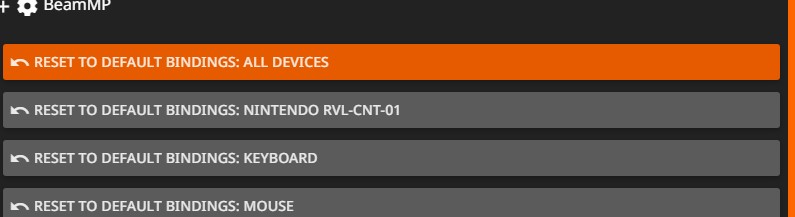
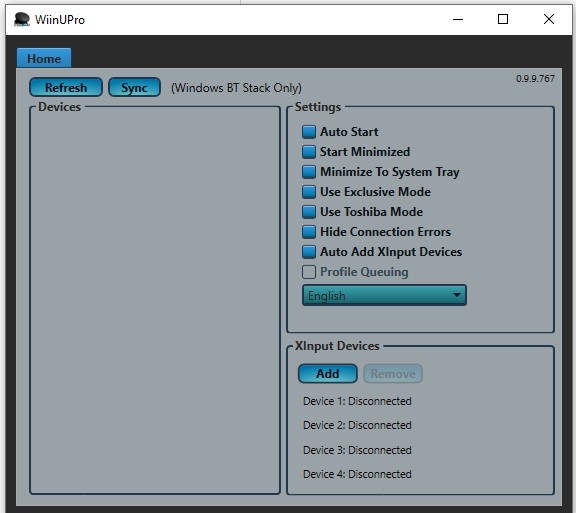
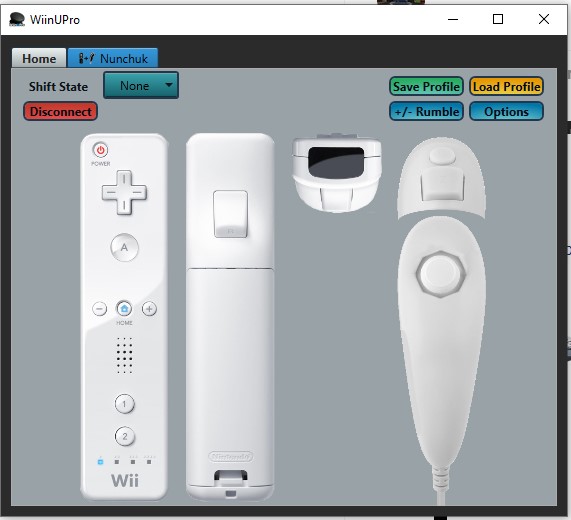
Connect the remote using bluetooth in control panel, use an app called WiinUPro to sync it, map the buttons in that and BeamNG, and now u can drive and steer. The button mapping makes the remote buttons act like controller or keyboard inputs. Will show a picture in the app when the remote is synced tomorrow. Keep in mind that you have less buttons than a controller and you need a nunchuck for joystick steering.
But for now here’s WiinUPro
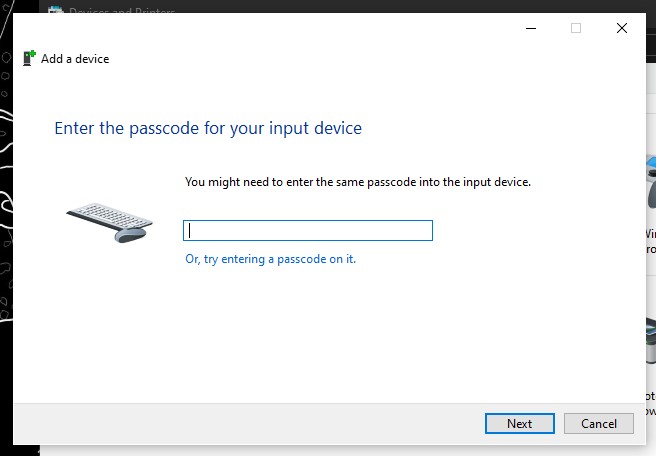
Edit: when it asks for a password just leave it empty, you can continue without one.
Before you ask: “Why not use windows settings to pair it?” Windows settings will ask for a pin, so you have to use control panel to pair it.
My controls are:
wiimote a button: throttle
nunchuck z button: brake
nunchuck left and right joystick: steer left and right
nunchuck c buttom: change camera
ima take it onto beammp
Is it at all possible for you to use the remotes gyro?
Not sure, haven’t explored that yet